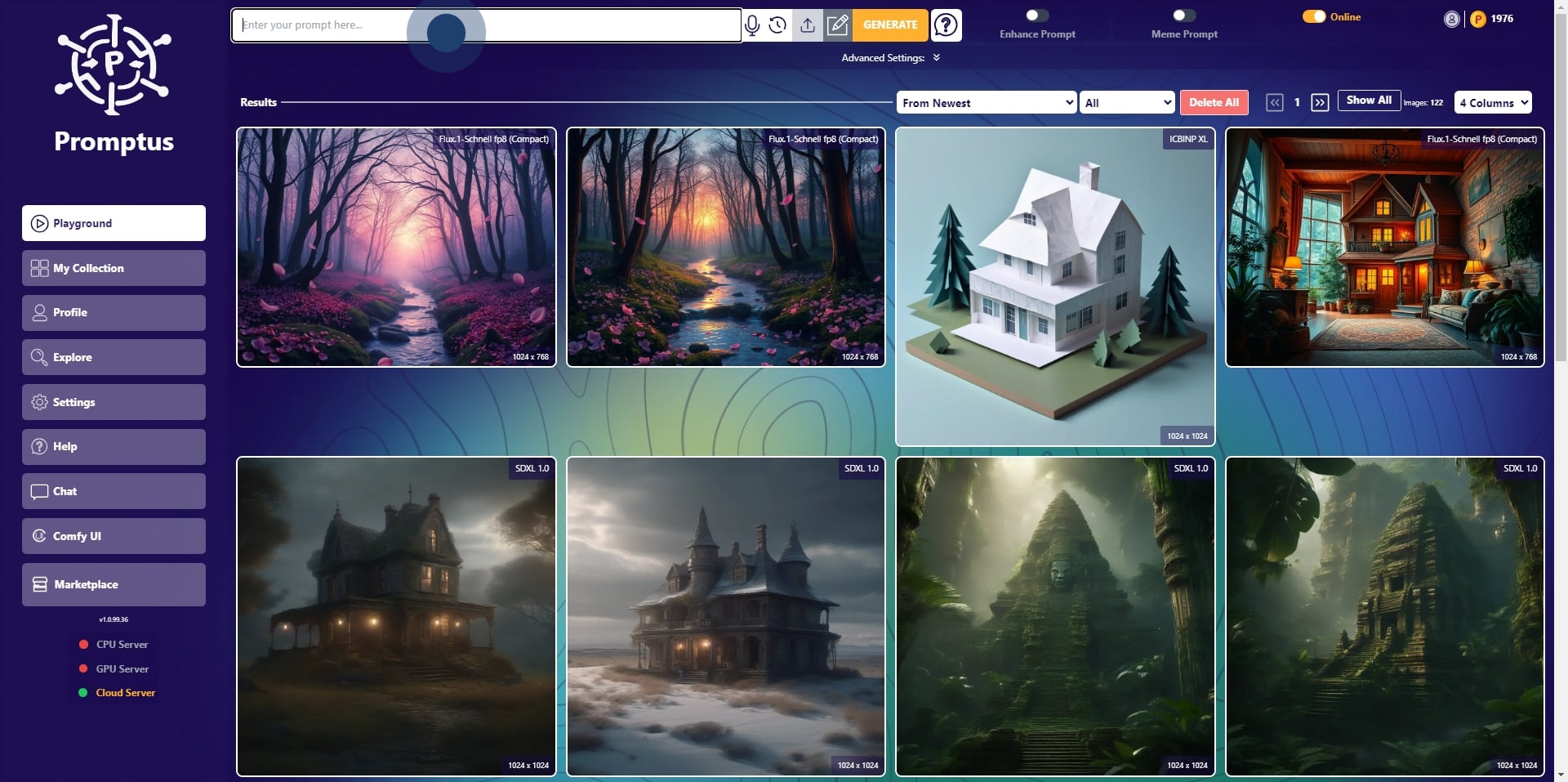
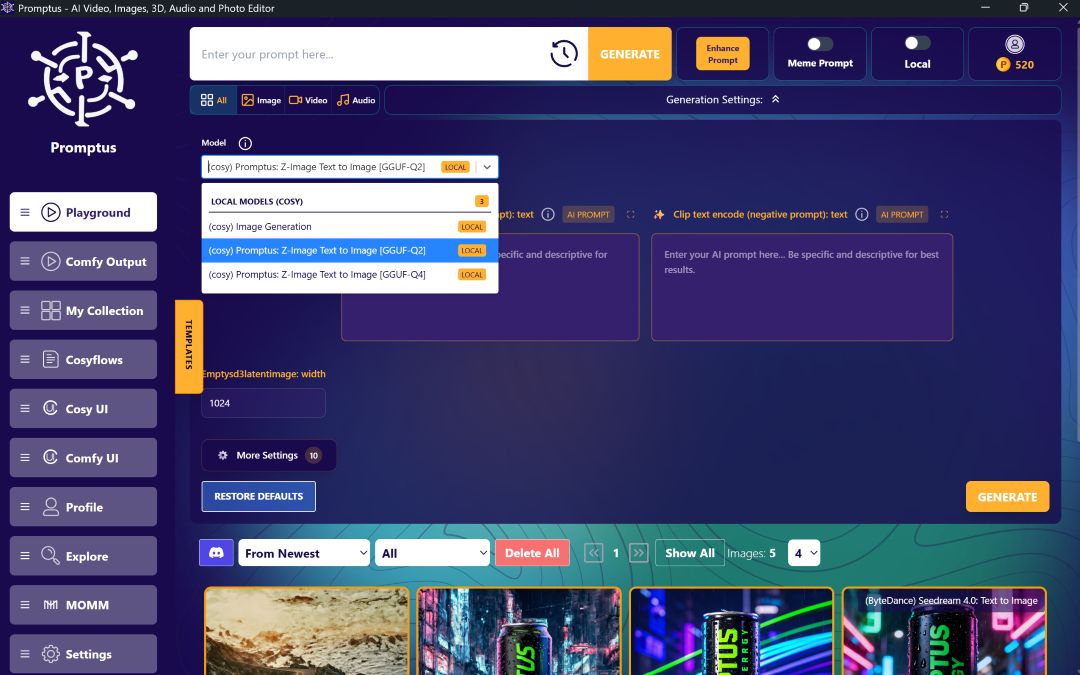
Download Promptus with ComfyUI
ComfyUI
ComfyUI
MoMM
MoMM
Create Video
Create Video
Image Editing
Image Editing
Prompt Enhancer
Prompt Enhancer
AI Image Generator
AI Image Generator
AI Backgrounds
AI Backgrounds
All tools
All tools
Product
ComfyUI Cloud
ComfyUI Cloud
ComfyUI Installer
ComfyUI Installer
ComfyUI Offline
ComfyUI Offline
Promptus Web
Promptus Web
AI Video
AI Video
AI Models
AI Models
Templates
Templates
Blog
Blog
Pricing
Pricing
EN
ES
ES
FR
FR
DE
DE
Download App
Download App
Start Creating
Start Creating
Eden
News
Publish Your AI Image to Web Gallery
Promptus
March 20, 2025
Wiki 17
Learn more
Read more
➔
Start using Promptus
Try Promptus Web App
➔
1. First up, enter your prompt here.
2. Then, click on "Advanced Settings:".
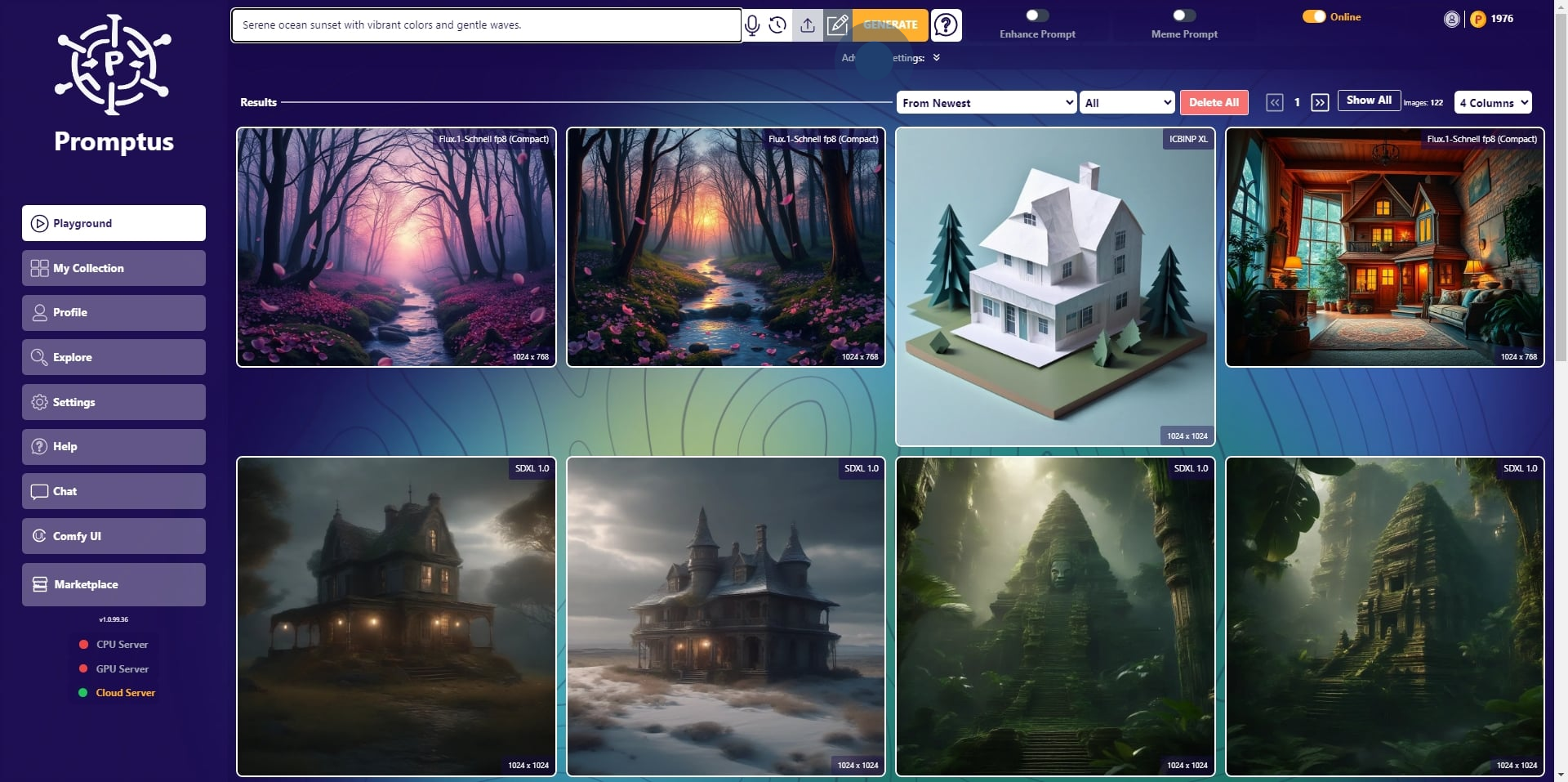
3. Choose your model.
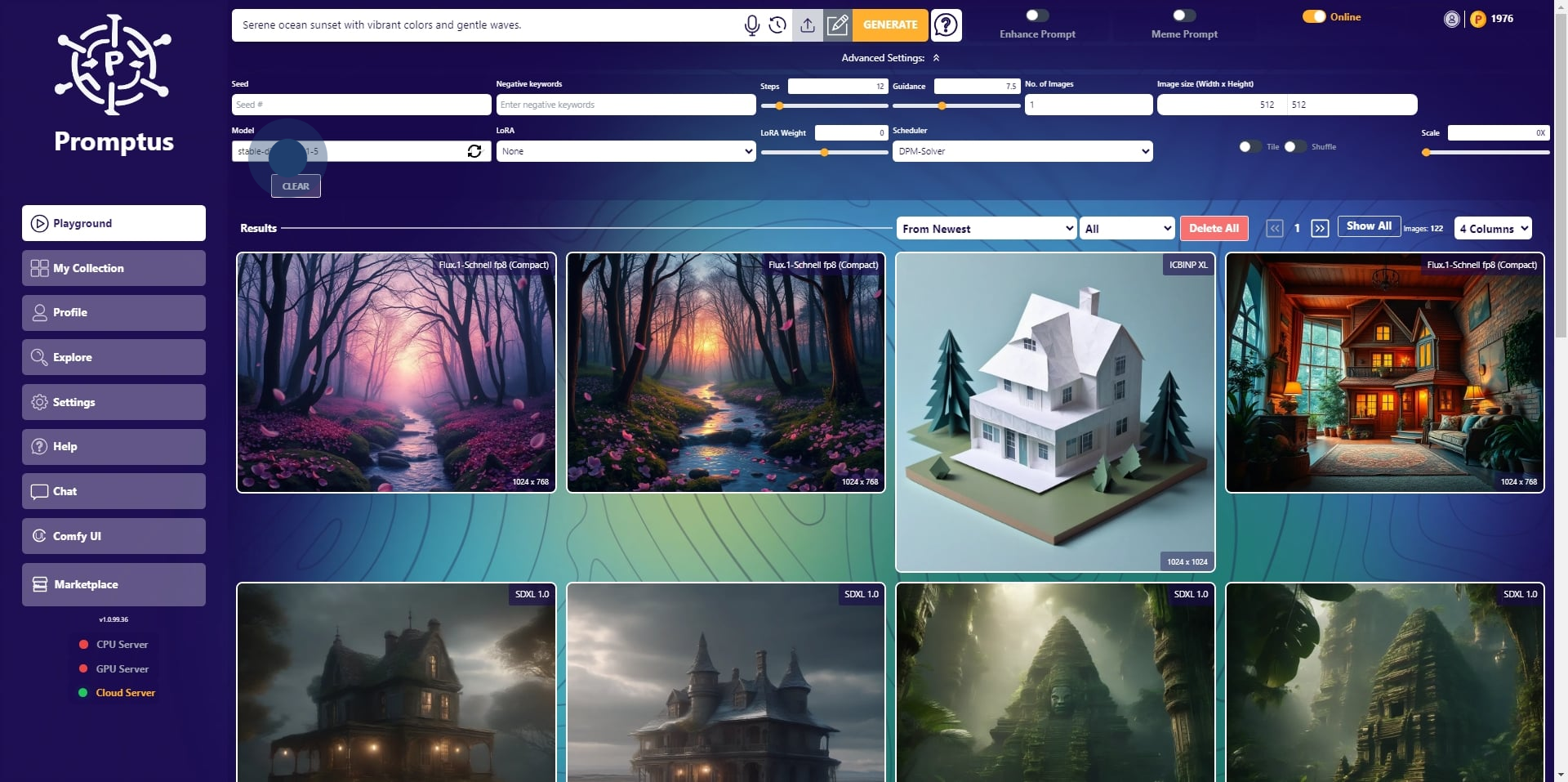
4. Click to select the model.
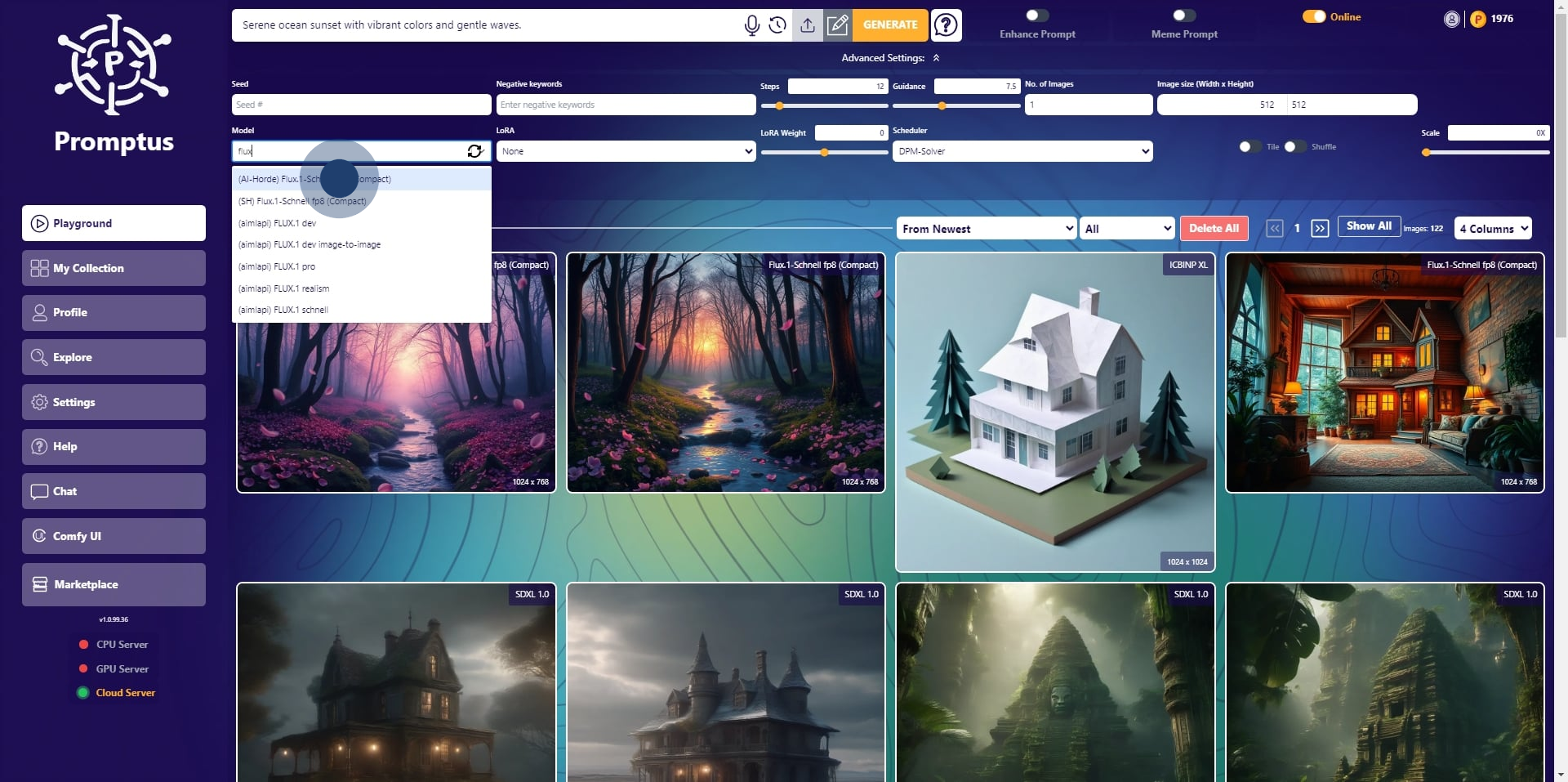
5. Select the number of images.
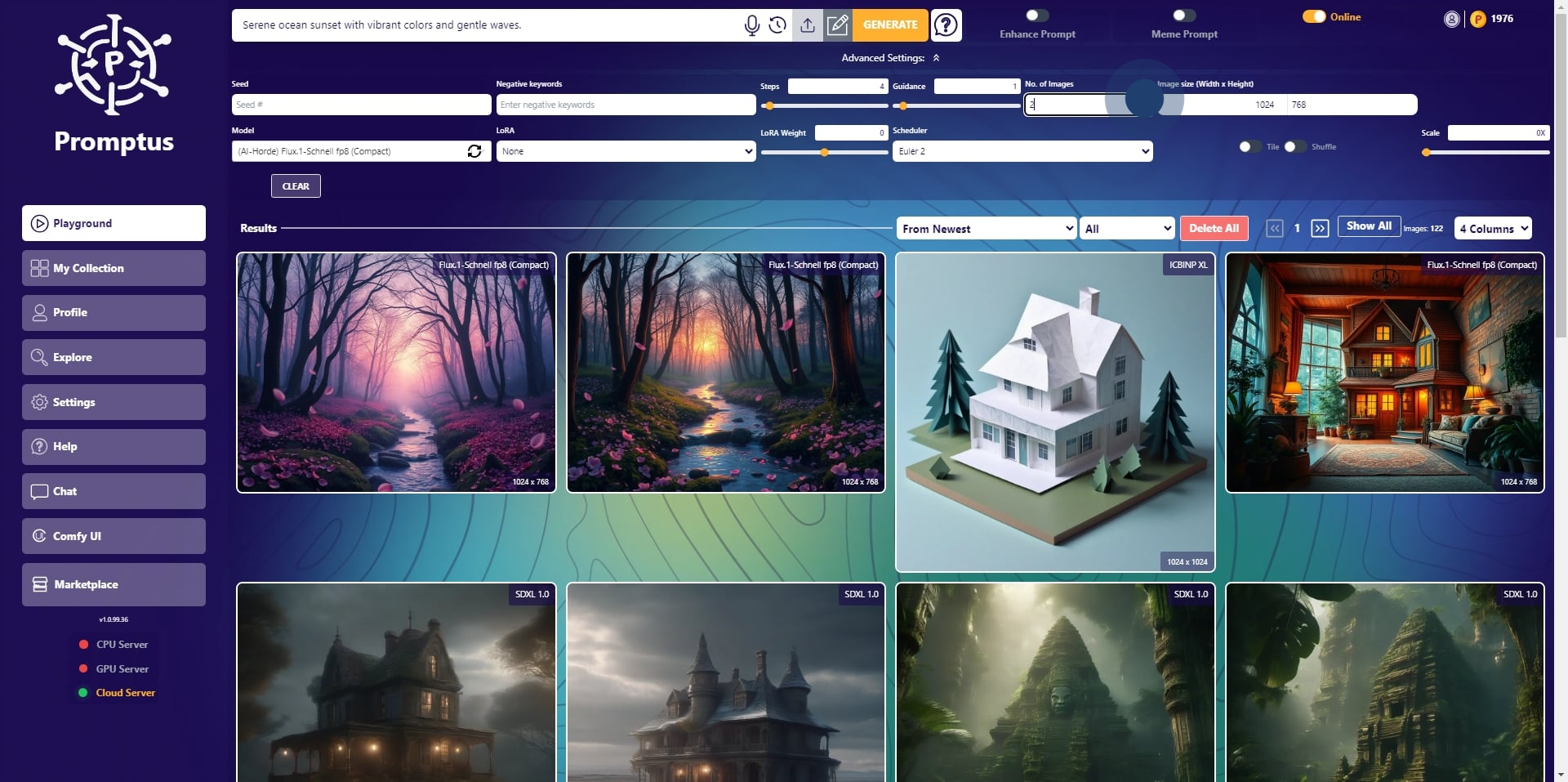
6. Click on "Enhance Prompt".
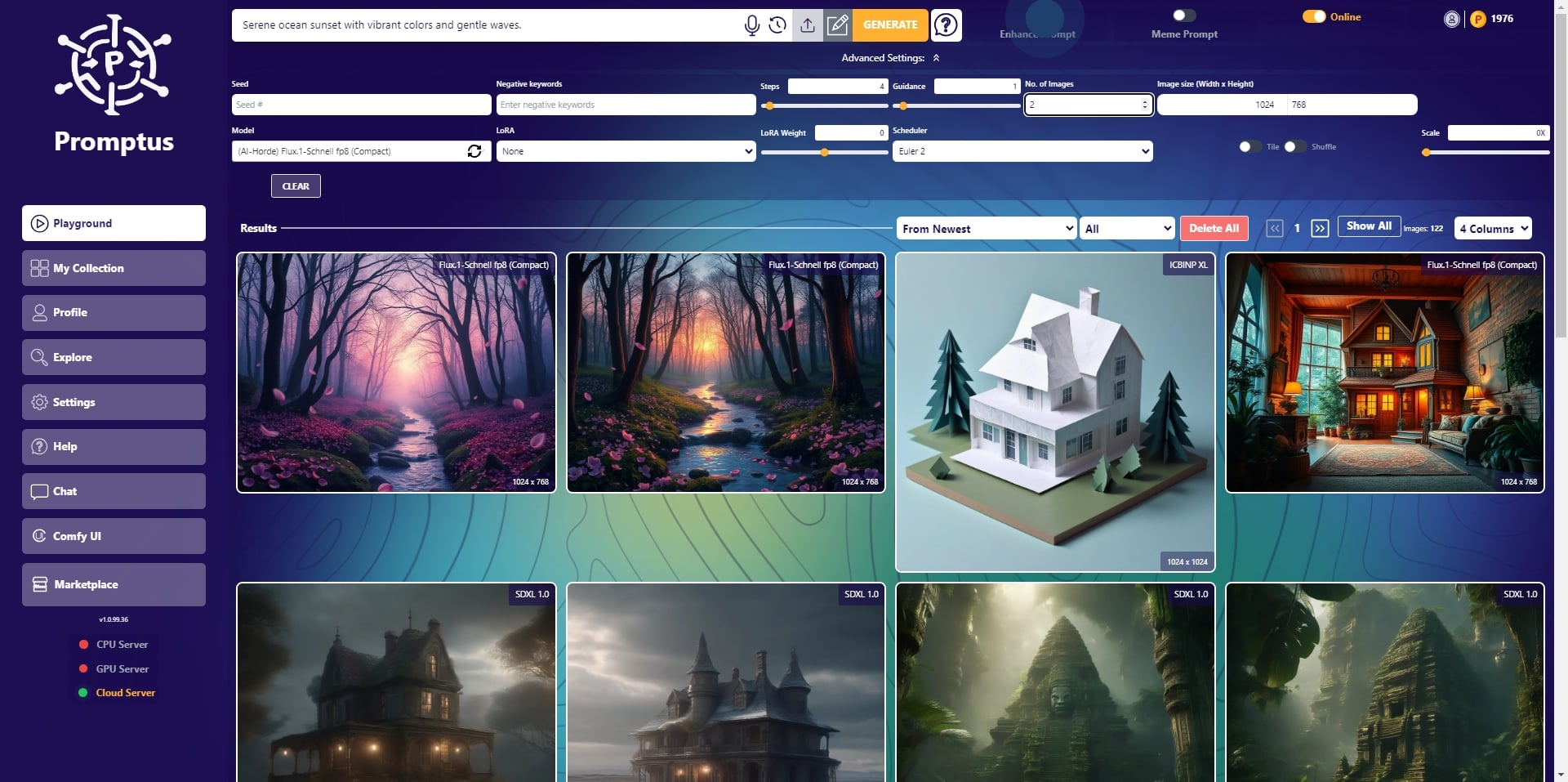
7. Then you are ready to "Generate".
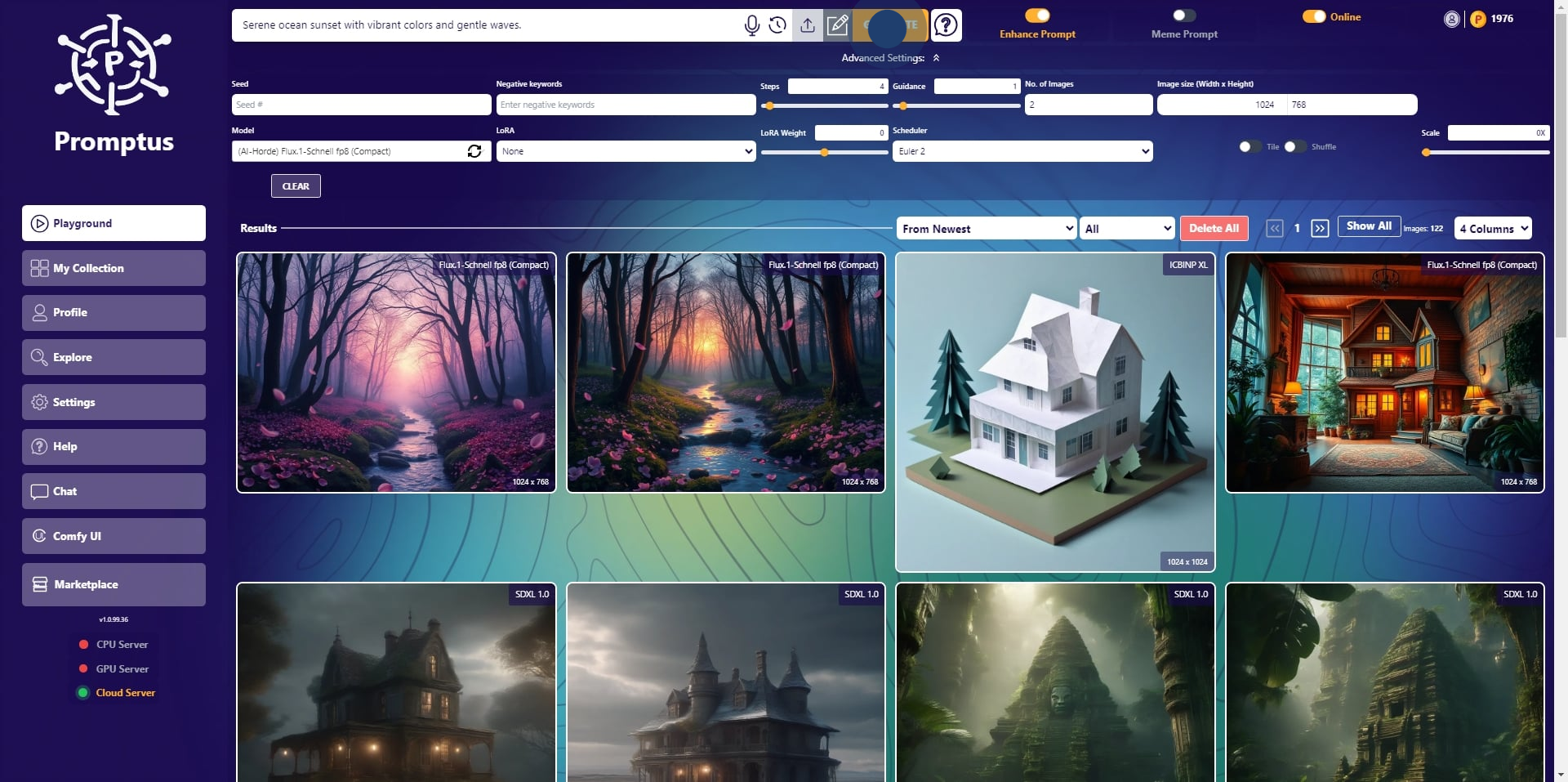
8. Click on "Categorize".
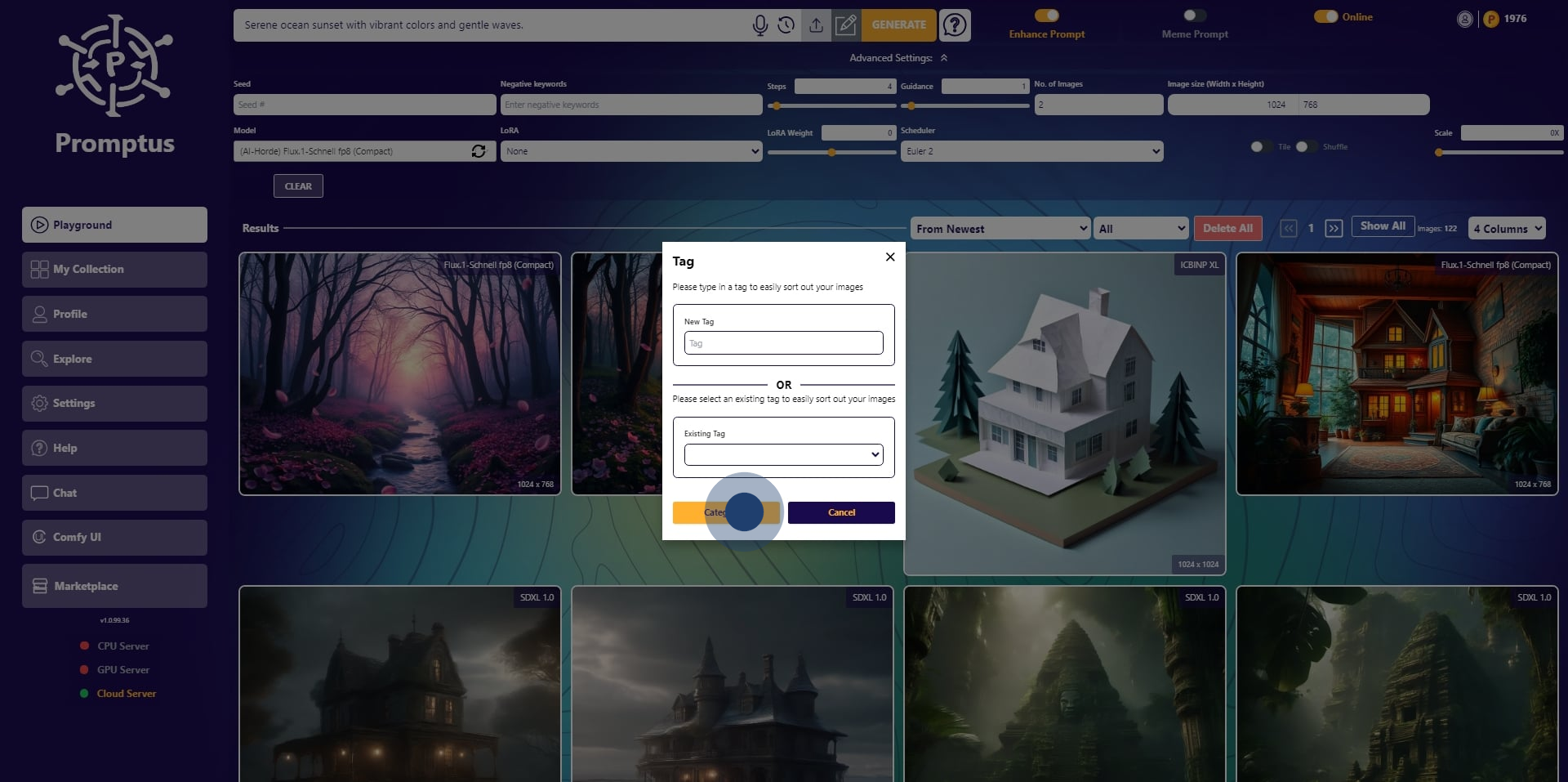
9. Once that's done, click "Add to Collection".
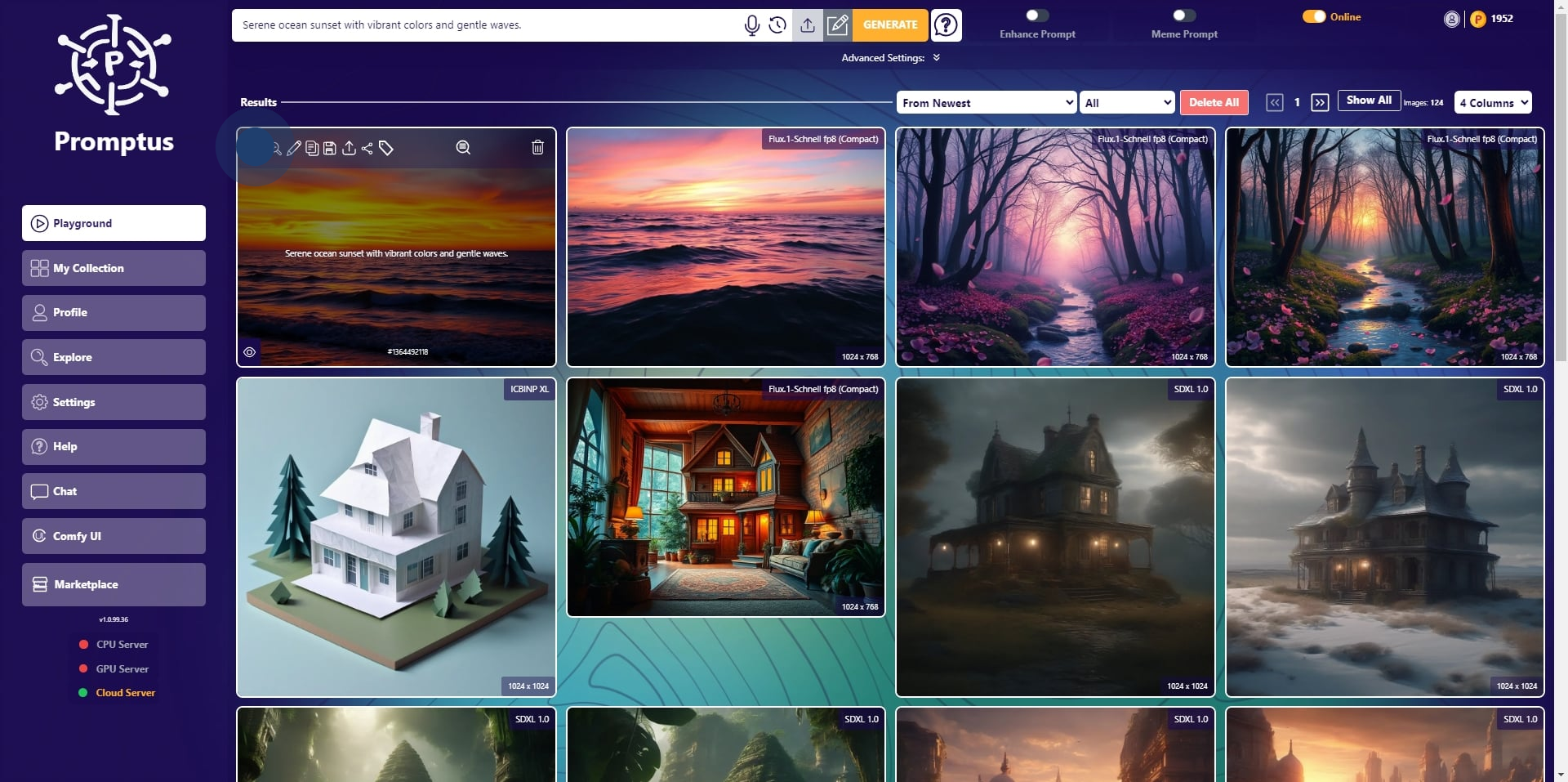
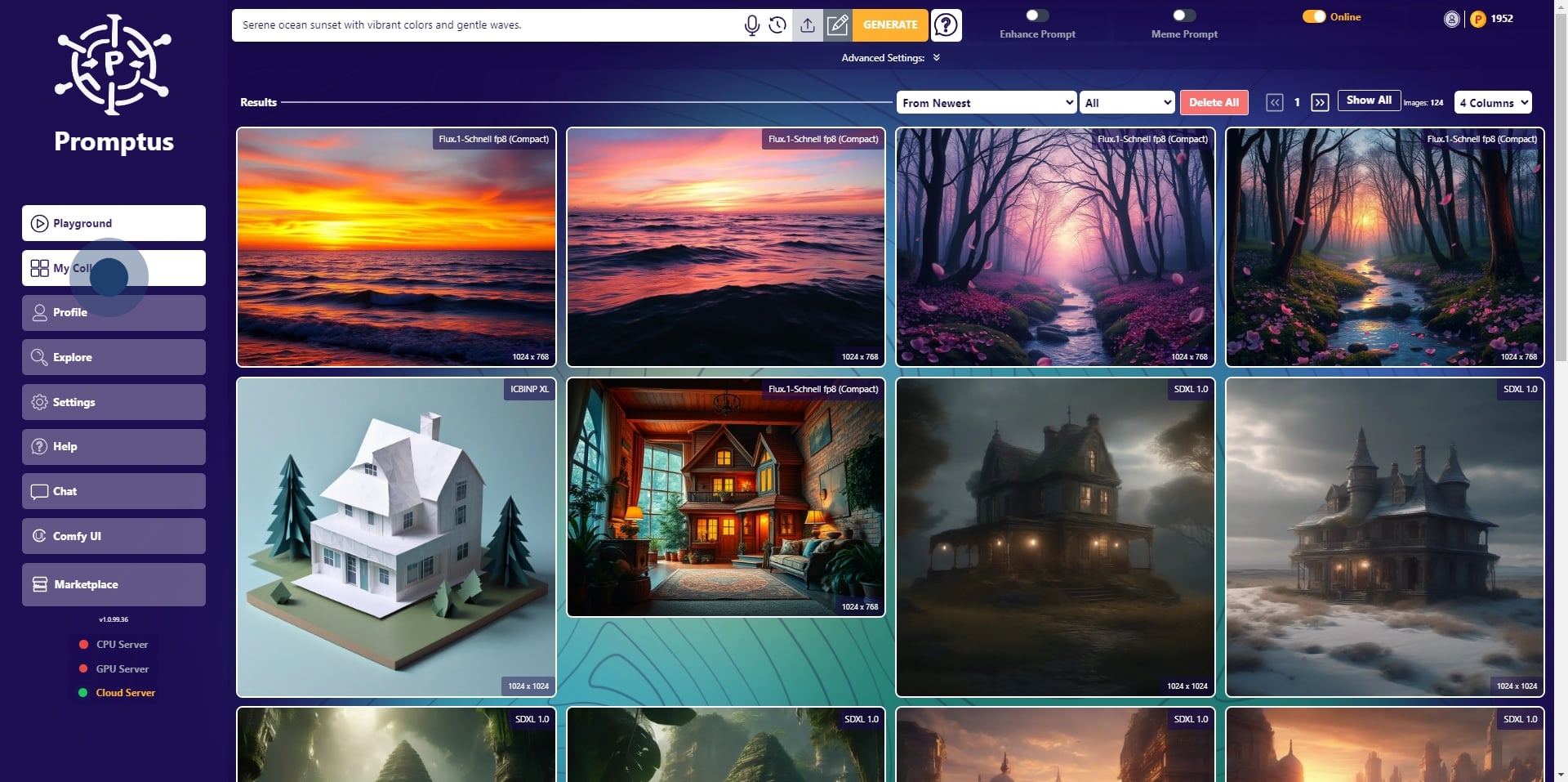
10. Then you can view the image on "My Collection".
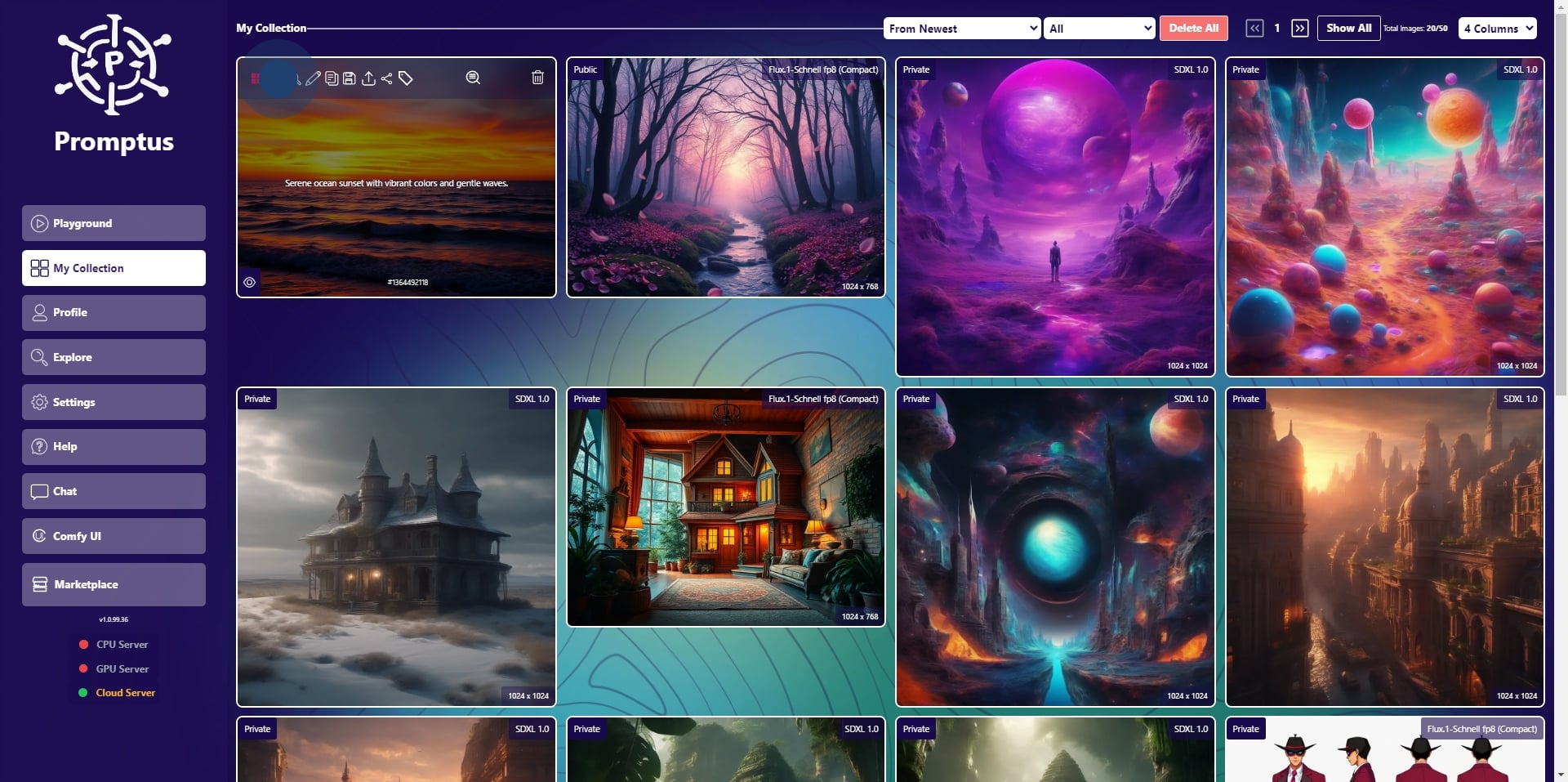
11. To make it public, click here.
12. Then, Click on "Profile".
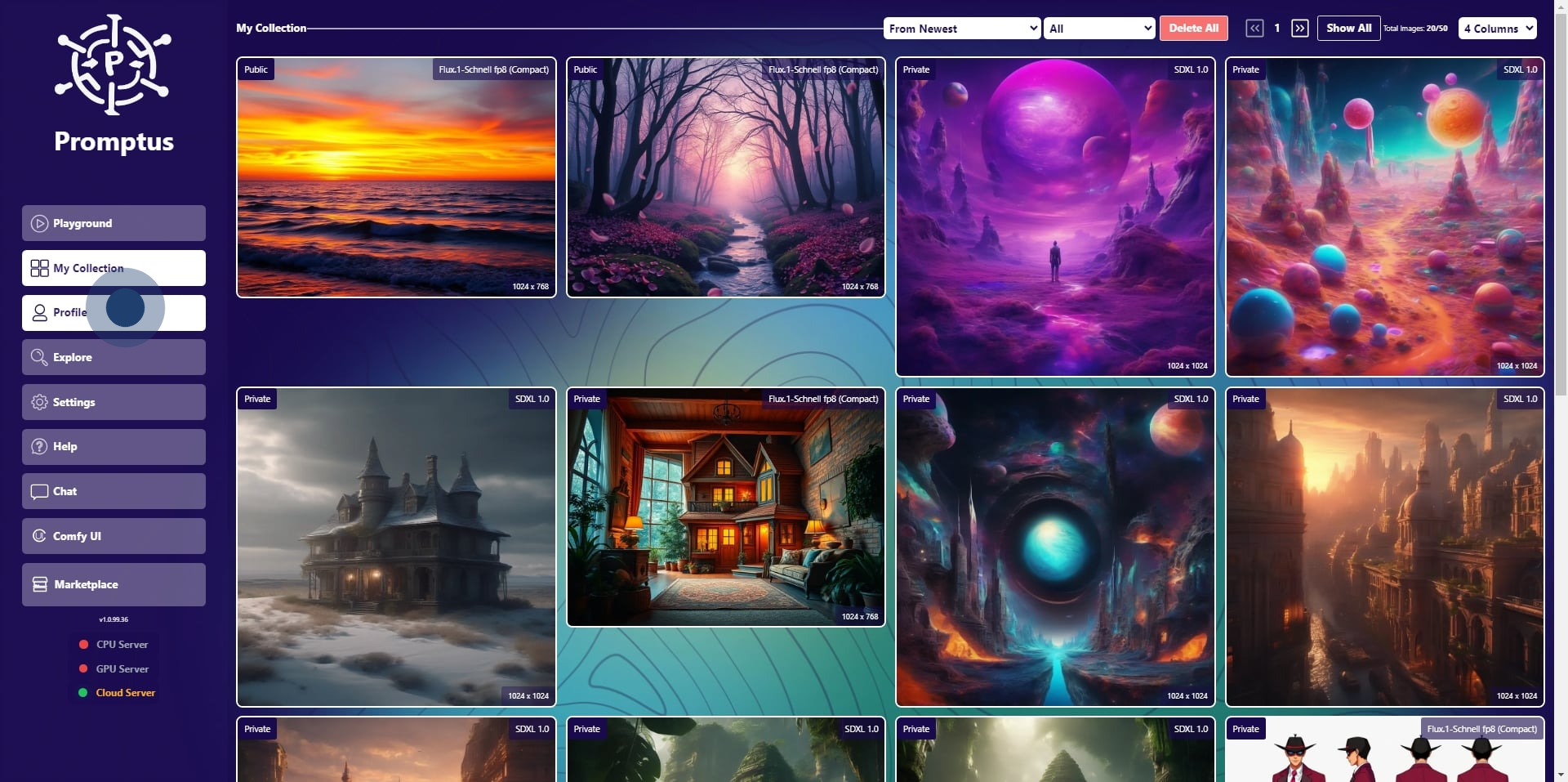
13. And finally, click on "View Public Gallery".
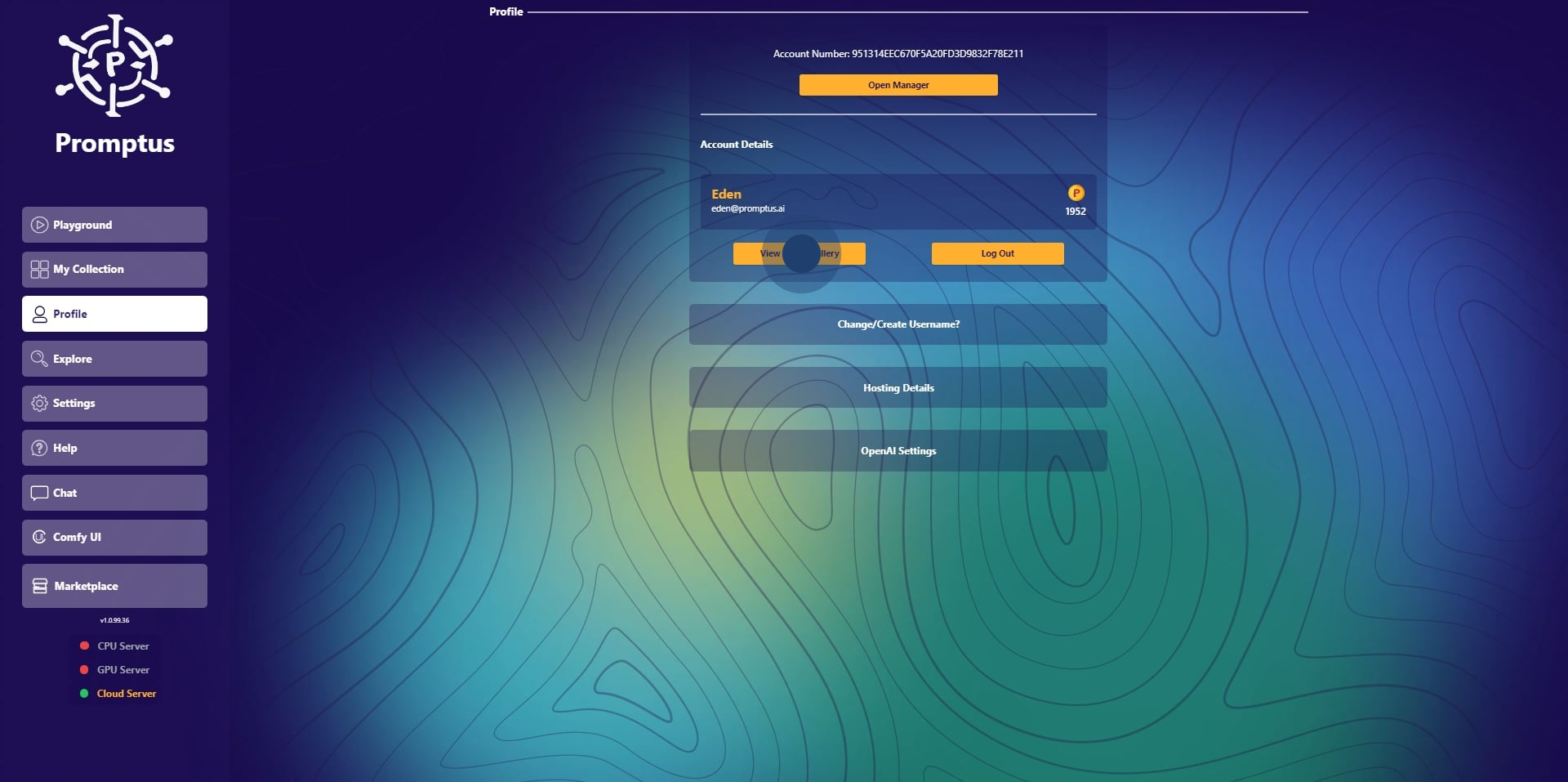
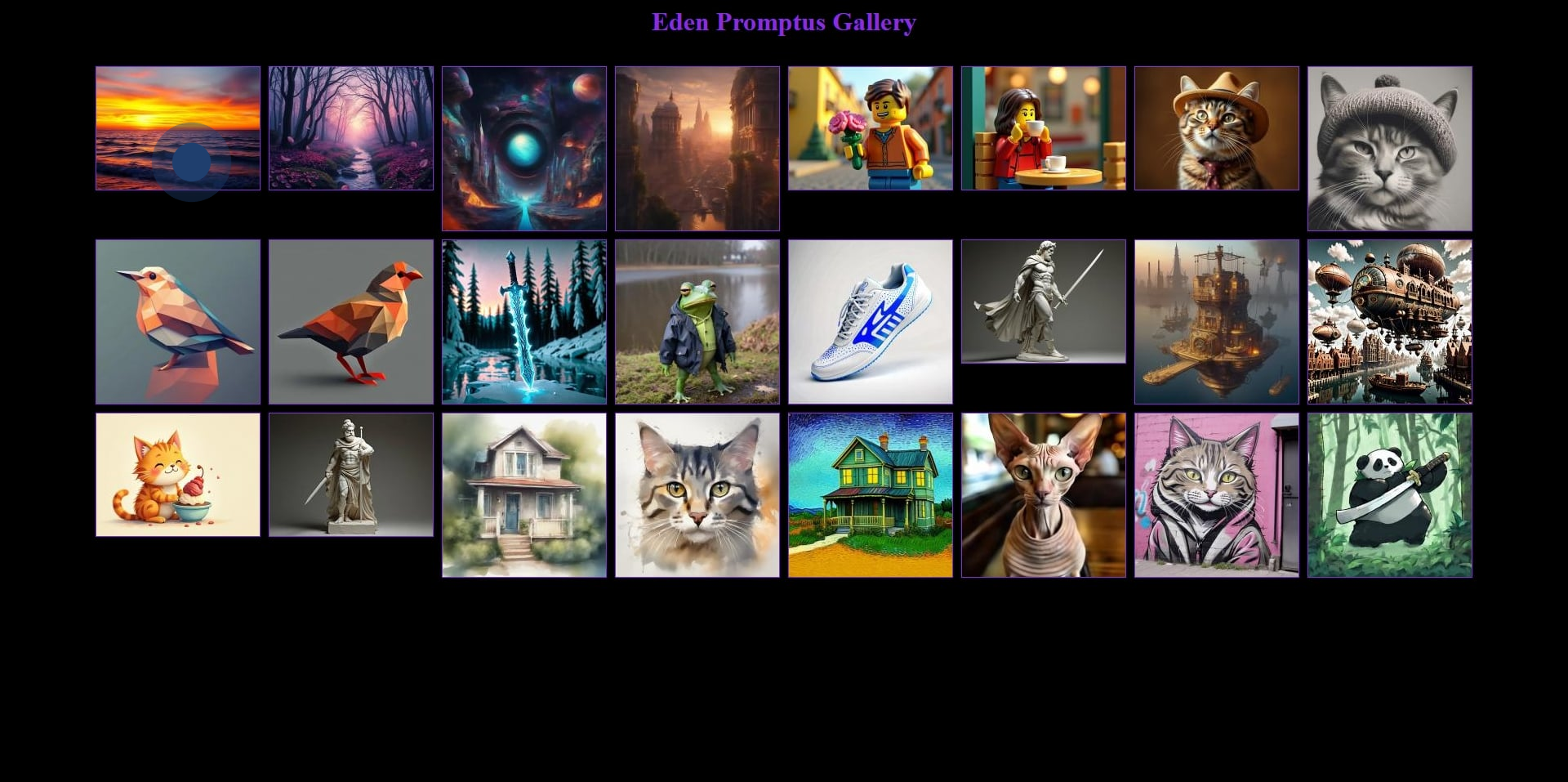
14. Click on the image to view it.
For more AI content and visual generation sign-up for Promptus creator newsletter.
Written by:
Eden
A trained artist who once feared AI art might end her career, Eden has since embraced it as a powerful ally. Now, she confidently creates with AI.
Try Promptus Cosy UI today for free.
Most recent wikis
Claudia Perez
News
DreamActor M2.0 Motion Control Review
February 6, 2026
5 min
Eden
Workflow
Run Qwen TTS3 Locally - Offline AI Voice Generator
February 6, 2026
2 min
Claudia Perez
AI Image
Z-Image Workflows for Local Image Generation in Promptus
February 4, 2026
5 min
Just create your
next AI workflow
with Promptus
Try Promptus for free ➜