%20(2).avif)
%20transparent.avif)

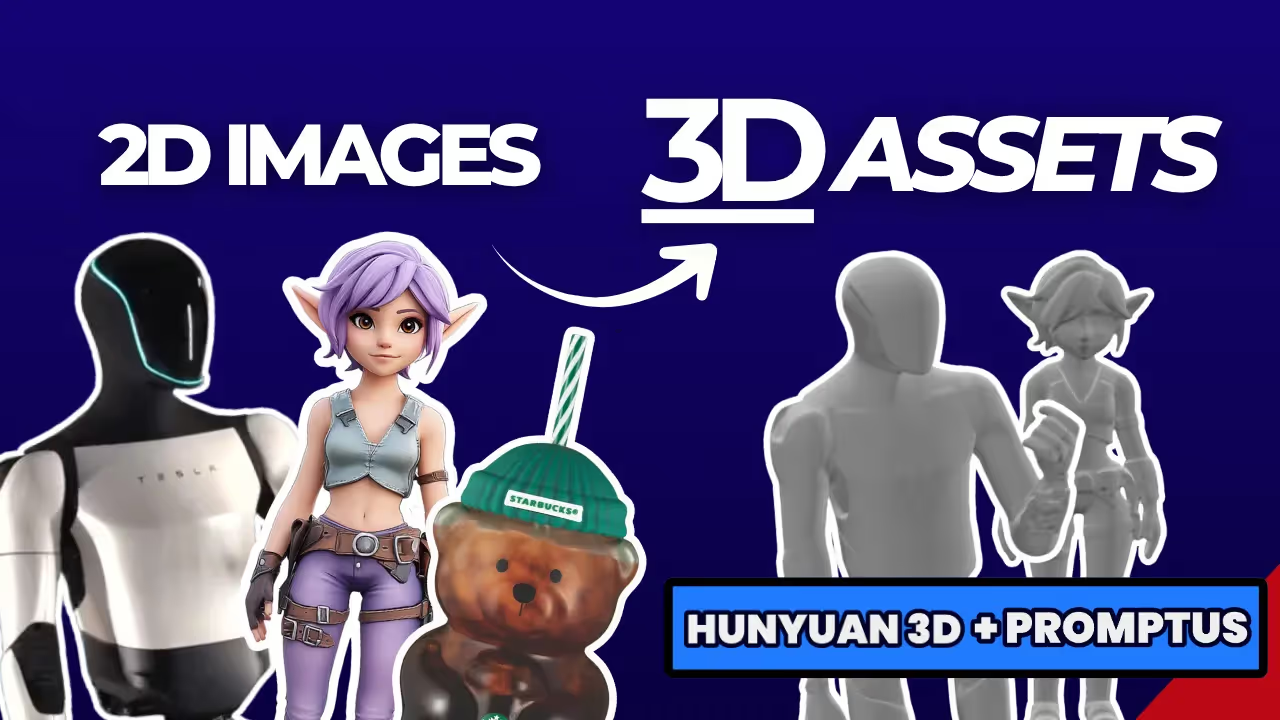
Generate realistic 3D renders with Promptus using Hunyuan 3D model.
🧠 What Is Hunyuan 3D?
Hunyuan 3D is Tencent’s cutting-edge, open-source AI 3D generation model that transforms text or 2D images into detailed, production-ready 3D assets. It combines diffusion transformers and texture-painting networks to build both geometry and materials — meaning you can go from idea to full 3D model in minutes.
Key Features:
- 🧩 Supports text-to-3D and image-to-3D
- 🎨 Generates realistic PBR textures and surface materials
- ⚙️ Exports directly to
.OBJ,.GLB, and.STLformats - 💻 Open source and free on GitHub and Hugging Face
⚡ Why Use Promptus with Hunyuan 3D?
Promptus AI is a desktop platform that runs complex AI workflows — called Cosyflows — without setup headaches. By using the Hunyuan 3D Cosyflow inside Promptus, you skip dependency installs and GPU configuration. It’s literally a one-click 3D generation experience.
Advantages:
- 🚀 No manual setup
- 💬 Simple prompt or image input
- 🔁 Instant preview and export
- 🎯 Optimized for Blender, Unity, and 3D printing
How to Use Hunyuan 3D Model on Promptus 🧭
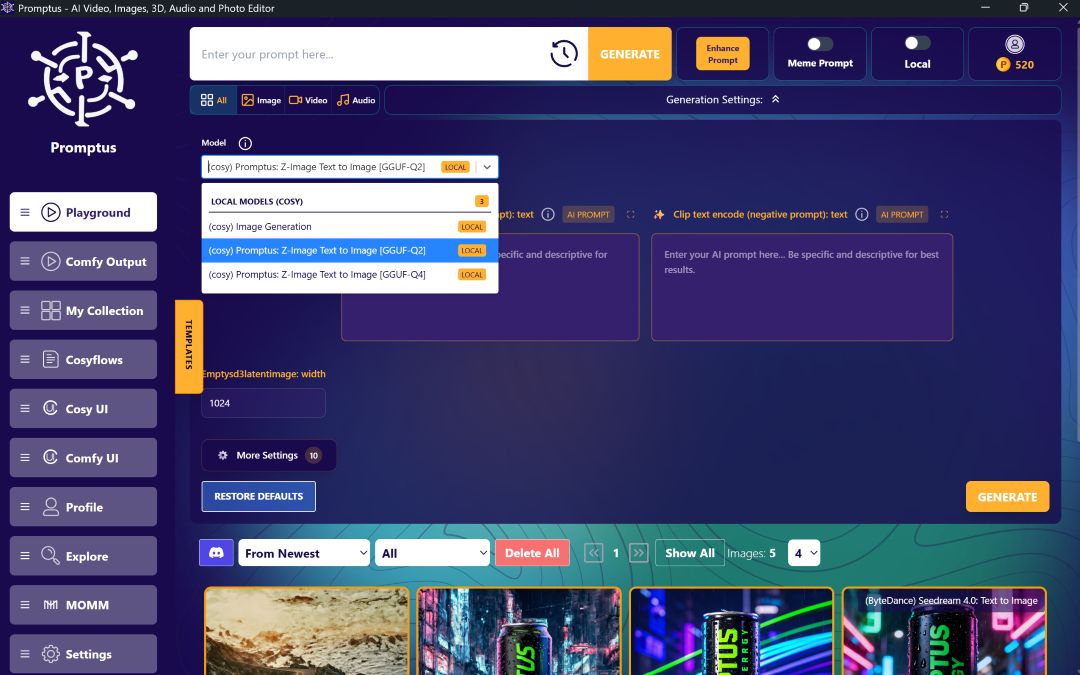
Step 1 – Install Promptus: Download and install the Promptus desktop app (Windows or Web). Open the app → go to Models and select the Cosy → search for “Hunyuan 3D 2.0”.
Step 2 – Load the Hunyuan 3D Workflow: Click Activate. Promptus automatically sets up the ComfyUI and model weights for you.
Step 3 – Upload an Image or Type a Prompt: Upload a 2D image (e.g., a rose, robot, character art) or write a prompt like “a futuristic elf girl wearing armor.”
Click Generate.
Step 4 – AI Generation Process: Hunyuan 3D performs three stages:
- 🧱 Shape Generation – Builds the 3D mesh
- 🎨 Texture Painting – Applies realistic PBR materials
- 💡 Rendering – Outputs a ready-to-use 3D model
In minutes, you’ll have a rotatable and exportable 3D asset.
Step 5 – Export and Use: Export as .OBJ, .GLB, or .STL. Import into:
- Blender → animation & lighting
- Unity / Unreal Engine → game scenes
- Cura → 3D printing
💸 Can You Make Money with 3D Rendering?
Yes — and fast. Thanks to AI tools like Hunyuan 3D, you can create commercial-grade assets with minimal time and cost.
Pro Tip: Combine Promptus + Hunyuan 3D with a portfolio on CGTrader or Fiverr to start earning passive income as a 3D creator.
🧠 What Is the Function of 3D Rendering?
3D rendering is the process of turning digital 3D models into 2D images or animations that look realistic.
It mimics how light interacts with objects — producing photos or videos of virtual scenes.
Main functions:
- Visualization for design, architecture, and products
- Game and film asset creation
- Simulation for education and training
- Concept art and marketing renders
- VR / AR applications
AI-assisted rendering with Hunyuan 3D can reduce production times from days to minutes while keeping cinematic-level quality.
How Much Do 3D Renderings Cost? 💰
The cost varies based on detail and purpose:.
With AI tools like Hunyuan 3D, creators can cut costs by up to 90 % while retaining professional results — making it ideal for freelancers and indie studios.
Hunyuan 3D Is a Game-Changer 🌟
- ⚡ Fastest AI 3D generator for image-to-mesh conversion
- 🎨 High-fidelity textures with PBR materials
- 🧩 Plug-and-play setup via Promptus Cosyflows
- 💻 Free & open source — perfect for creators and students
- 🔄 Compatible with Blender, Unity, Unreal Engine, Cura
Whether you’re a game developer, designer, or 3D artist, this workflow lets you generate market-ready 3D models in minutes.
Turn Your Images into 3D Magic 🚀
AI 3D tools like Hunyuan 3D on Promptus are revolutionizing digital creation.
Upload a photo, click Generate, and in moments you have a fully rendered 3D model ready for animation, games, or printing.
It’s the perfect time to start building your AI-powered 3D portfolio and turning creativity into income.