%20(2).avif)
%20transparent.avif)

Step-by-Step Workflow for Anime Style Images
Creating captivating anime-style artwork requires a careful blend of artistry, structure, and technology. Whether you’re a digital illustrator or an AI-art enthusiast, the right workflow makes all the difference between a flat image and one that feels alive.
In this anime workflow using Stable Diffusion models like Animagine XL and complete anime-style image workflow — from concept to final render — and show how Promptus and its dedicated microsites can elevate your creative process.
🎯 Microsites & Tools
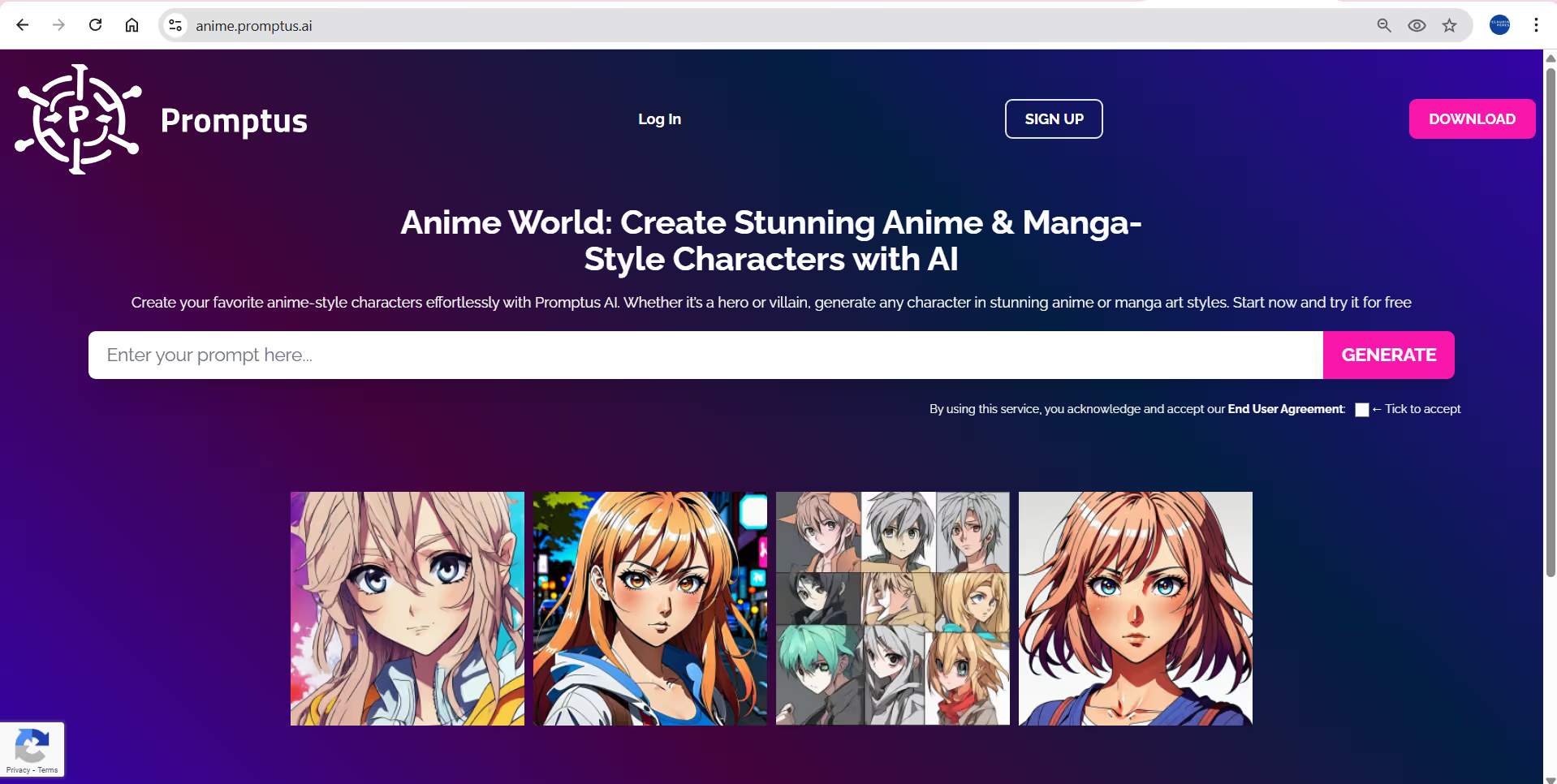
- The dedicated anime-microsite: anime.promptus.ai — This is tailored for generating anime/manga-style characters with Promptus.
- A model-specific microsite: animagine-xl.promptus.ai — Focused on the “Animagine XL” model for high-quality anime-style outputs.
- Classic anime style site: duchaiten.promptus.ai — For a nostalgic “classic anime” aesthetic.
These allow you to pick a style/ model quickly and focus your prompt and workflow accordingly.
✏️ Workflow: Concept to Output
1. Concept & Planning
Start with defining your character, scene, mood, and camera angle. If you’re aiming for a Japanese anime aesthetic, consider elements like:
- Big expressive eyes, simple but clean linework.
- Flat colors with strong lighting/shadow contrasts.
- Composition influenced by Japanese anime (e.g., dynamic poses, strong silhouette).
- Style cues: look at classic and modern anime for reference.
Use the anime.promptus.ai site to quickly generate character design explorations — enter a prompt like “anime girl, big eyes, school uniform, bright spring background, cel shading” and see what you get.
2. Model & Microsite Selection
Choose your base:
- If you want modern high fidelity anime-style: use Animagine XL via animagine-xl.promptus.ai.
- If you prefer nostalgic Japanese anime from the 80s/90s: use the DucHaiten Classic Anime model via duchaiten.promptus.ai.
- Use anime.promptus.ai for more general anime/manga style generation.
Selecting the right model/style early means your workflow downstream has fewer mismatches.
3. Prompt Crafting & Style Tags
Good prompts matter:
- Start with something like: “(masterpiece, best quality), anime girl, short pink hair, school uniform, cherry blossoms background, cel shading, Japanese anime style, 4 K”.
- Add style modifiers: “sharp line-art, bold contour, vibrant colours, dramatic lighting, 3 point lighting”.
- Use negative prompts to avoid issues: “blurry, extra limbs, bad anatomy, oversaturated”.
Referencing a Japanese aesthetic, you might include tags like “shōjo anime style”, “anime1880s cel shading”, “Japan cityscape at dusk”, “kawaii expression”.
Also consult guides on how to build anime-style prompts (e.g., for Stable Diffusion) which show techniques like using Danbooru-style tags.
4. Initial Generation & Iteration
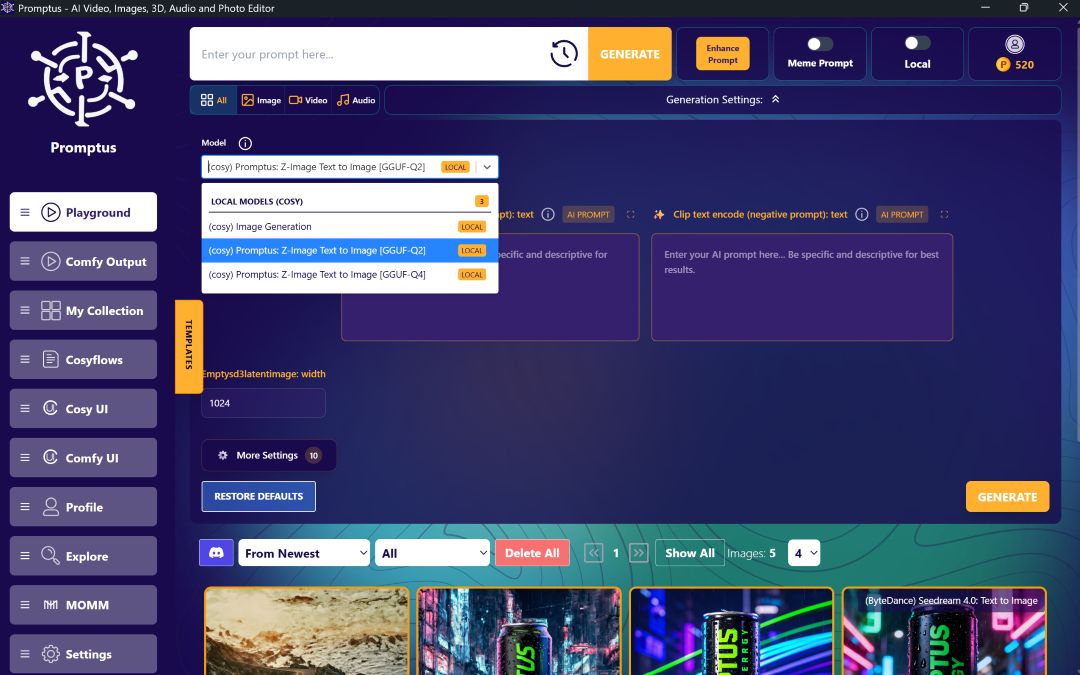
Use the selected microsite/model to generate initial results.
- Generate multiple variations (tuples of prompts) to explore poses, backgrounds, lighting.
- Review results: check anatomy, facial expression, line clarity, colour palette.
- If you find one that’s promising, note its seed/prompts.
- Use Promptus’ internal workflow/versioning features so you don’t lose track of what worked.
5. Refinement & Detailing
Once you have a good base, refine:
- Use higher resolution upscaling if needed (many tools support 2×, 4×).
- Clean up artefacts manually if needed (in a tool like Clip Studio Paint, Photoshop, or other).
- Enhance line-art, add highlights (hair, eyes), tune colour and lighting.
- For a Japanese style, you might emphasise eye sparkle, hair shine, rim lighting, and a simpler background so the character stands out.
6. Background & Composition Considerations
For Japanese anime style (especially character-centric art):
- Often simpler backgrounds — e.g., gradient skies, soft lighting, light bokeh.
- But for dynamic scenes (battle, city-scape), you can add depth: foreground elements, motion blur, cinematic camera angles.
- Keep the character silhouette clear and the colour contrast well-balanced.
7. Final Output & Preparation
- Export at desired resolution (for web, print, social).
- Adjust colour profiles (sRGB for web, CMYK if printing).
- Use a final colour-grade or texture overlay if needed for atmospheric feel.
- Save all your versions: base prompt, seed, model and any modifications. Promptus supports workflow saving and reuse.
✅ Why This Workflow Works
- You begin with clear style decisions (Japanese anime cues, model choice via microsites).
- You use iterative prompting and versioning (via Promptus) so you don’t lose good results.
- You refine and polish manually if needed — combining AI speed with artistic control.
- You maintain a consistent aesthetic by choosing the right model and style tags early.